How Our PDF and Excel Exports Power Owner Outreach
Storage Stats exports two reports for every market, a Market Report and a Facility & Owner List, each as a PDF and an Excel. A rundown of what's in the four files and how they carry you from market research to owner calls.
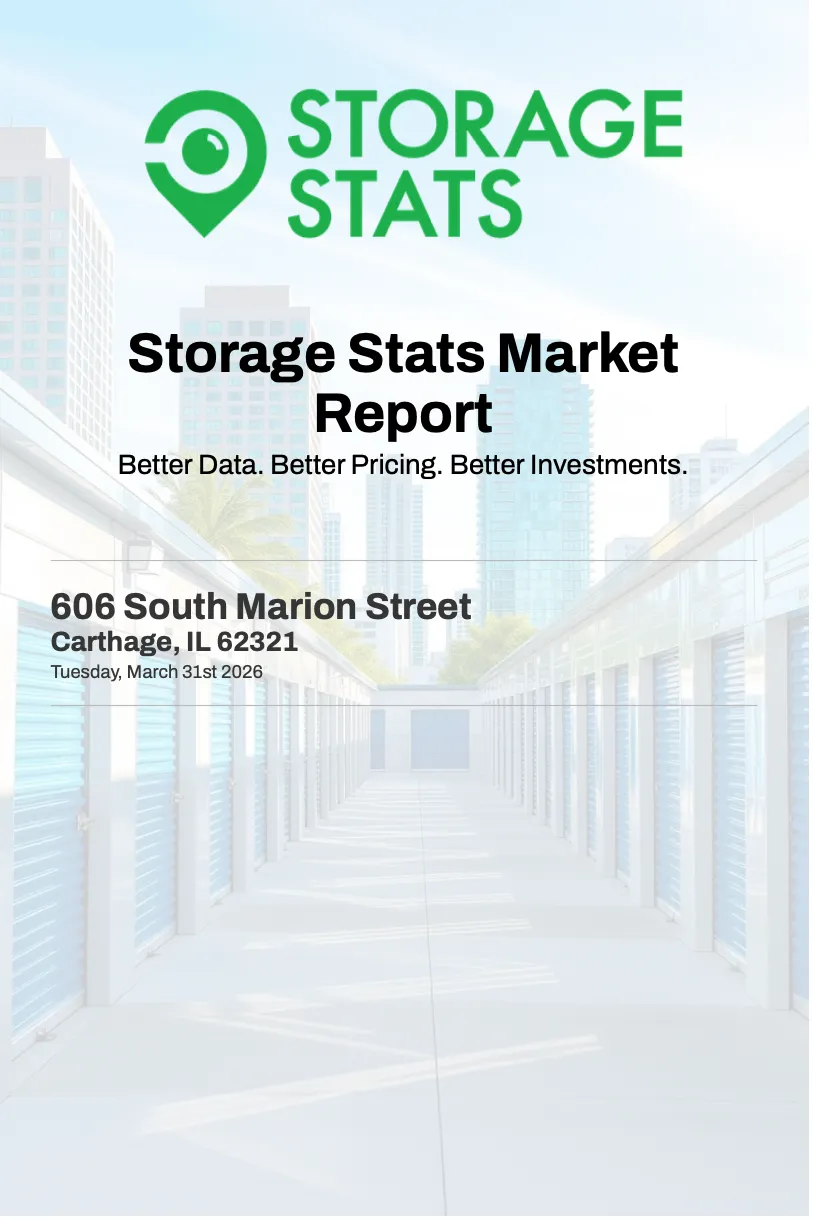
Storage Stats provides two types of exports for every market, a Market Report and a Facility & Owner List, each as a PDF and an Excel. This is a quick rundown on what's in each report and how they carry you from market research to owner calls.
For each market, you have the ability to download 2 types of reports, a Market Report and a Facility & Owner List. Each is available as either a PDF or an Excel, so there are four files to pick from depending on what you're doing:
| Report | Excel | |
|---|---|---|
| Market Report | The hand-off version. Drops into a deck or an investor email as-is. | Raw fields and monthly time series for underwriting and running your own numbers. |
| Facility & Owner List | A printable reference to keep open in a meeting or hand to a broker. | Sortable owner and contact columns, ready for a CRM or an email campaign. |
Since reports come in both formats, Market Report PDFs enable you to assess a market quickly, then export an owner call list without building anything by hand.
What's in the Market Report?
It puts the total facilities, supply, pricing, CMBS loans, and demographics in one place.
- Market map. The trade-area map with 1, 3, and 5-mile radius rings.
- T12 + T24 rate history. Monthly average rates for trailing 12 and 24 months are broken out by unit size (5×5, 5×10, 10×10, 10×15) and shown side-by-side for All Units and Climate Controlled. Footer rolls up average monthly rent, average rent per ft², and annualized rent per ft².
- Facility-level pricing history. Per facility you'll see trailing 12 month prices with the current rate in bold and high (H), low (L), and average (Avg) markers across the period.
- Average Market Prices. See how rates are trending at a market level 1, 3, and 5-miles, min-to-max price-range chart by unit size (NCC vs CC) at 5 miles.
The PDF is the version you hand off. It drops cleanly into a deck or an investor email. The Excel breaks the same data out into raw fields and monthly time series, which is what you want if you're underwriting, running your own averages or pulling demographic stats into a model.
What's in the Facility & Owner List?
The facility list with owner info is an instant off-market prospecting list you can use to get in touch with local facility owners. Every facility in the trade area gets its own card, grouped by 1, 3, and 5-mile radius so the closest ones are easy to work first.
Printed, the facility list works as a quick reference to keep open in a meeting or pass to a broker. In Excel, every field becomes a sortable, filterable column you can drop straight into a CRM or an email campaign before a day of calls.
Pull current market data into your model with the Market Report Excel when you want to take the analysis further.
Where to find them
Open any market on Storage Stats, apply your filters, and click Download Report at the top of the page, then pick the Market Report or the Facility & Owner List and choose PDF or Excel. Unlimited downloads are included with every monthly and annual subscription.
Try Storage Stats free. No credit card required. Rent rates, supply, demographics, ownership, CMBS occupancy, and more, all in one platform for a fraction of the cost.
Get nationwide self-storage data
Try Storage Stats free, no credit card required. Rent rates, supply, demographics, ownership, and more, all in one platform.
Market data by city: Dallas–Fort Worth · Houston · New York · Atlanta · Chicago · Los Angeles · Phoenix · Miami · all 50 markets
More from the blog
RK Kliebenstein Joins Storage Stats as Brand Ambassador
Self-storage industry veteran RK Kliebenstein joins Storage Stats as Brand Ambassador, representing the company at industry events and supporting product development.
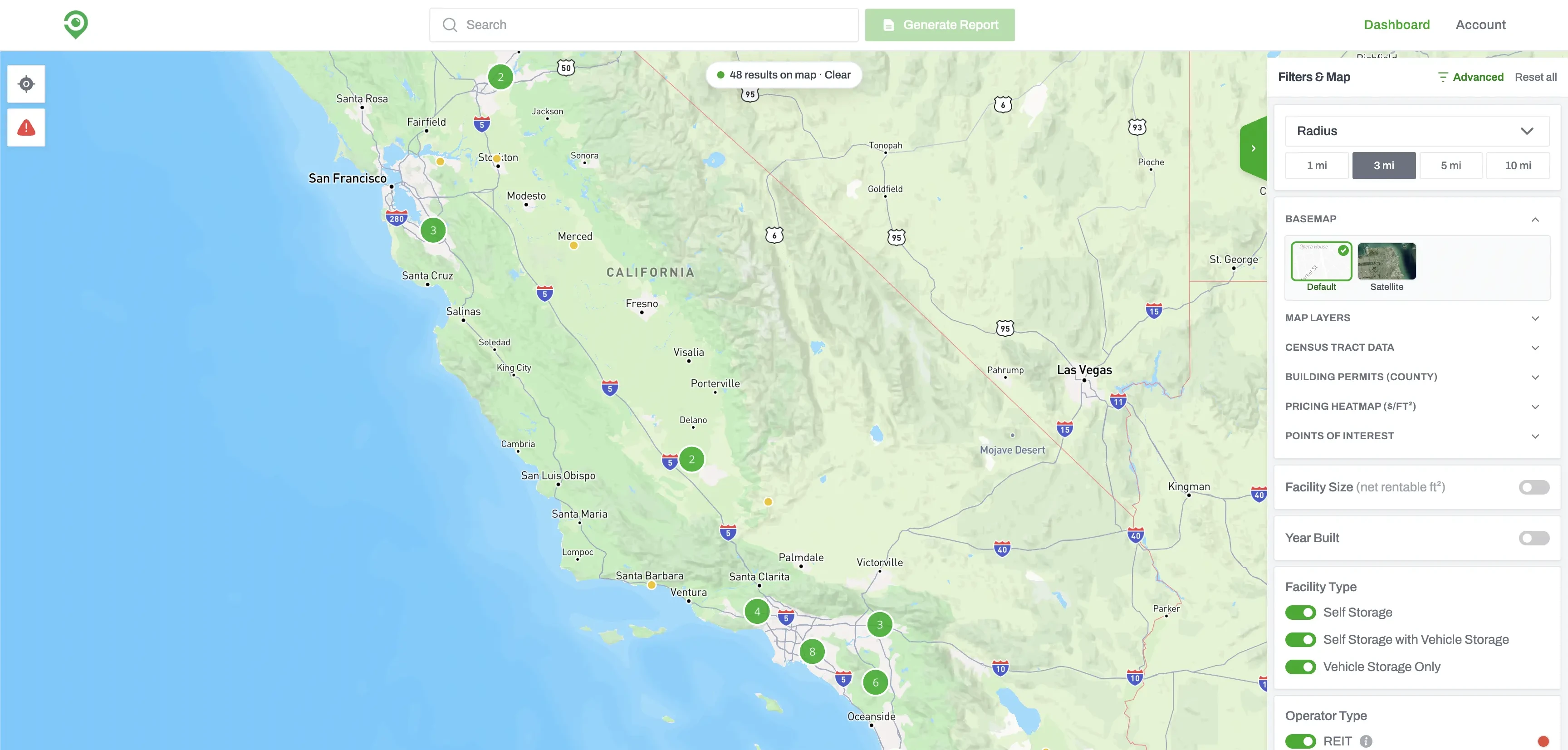
Build a Self-Storage Prospecting List with Advanced Filters
Advanced Filters lets you screen every self-storage facility in the country. Set your conditions, run the search, and you get back the facilities that match, ready to sort, map, or work through one at a time.
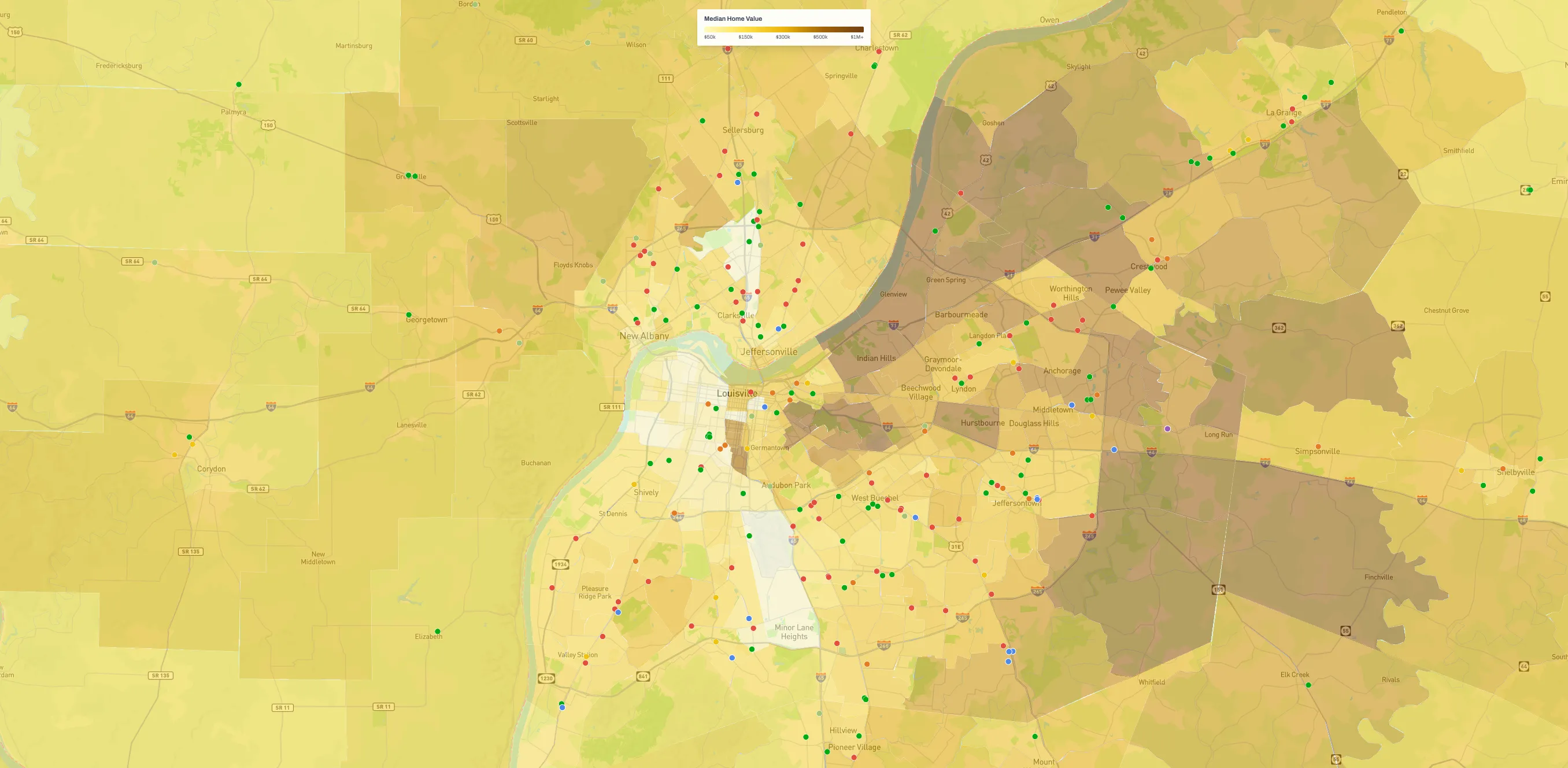
A Guide to Map Layers in Storage Stats
Every market view in Storage Stats is a base map you stack layers on, from supply and demographics to building permits, demand drivers, and flood-zone overlays. A run through what each layer shows and how to combine them.